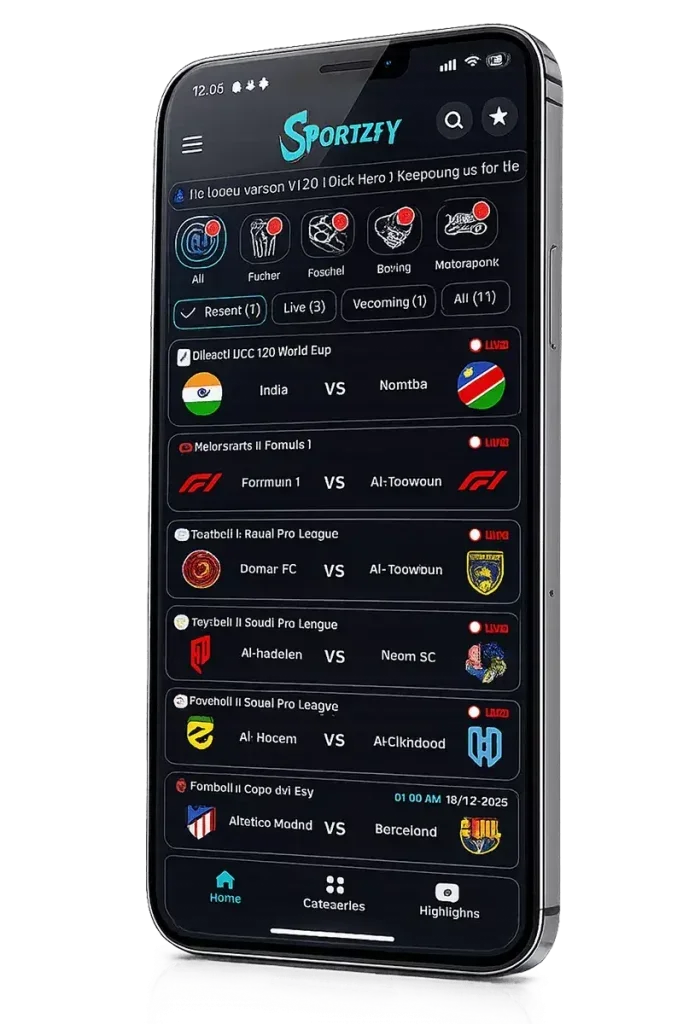


Sportzfy ist eine Unterhaltung-Anwendung, die von entwickelt wurde und auf mobilen Geräten ausgeführt werden kann, aber mit dem besten Android-Emulator - LDPlayer, können Sie Sportzfy herunterladen und auf Ihrem Computer ausführen.
Beim Ausführen von Sportzfy auf Ihrem Computer können Sie auf einem großen Bildschirm klar navigieren, und das Steuern von Anwendungen mit Maus und Tastatur ist viel schneller als das Berühren des Bildschirms, und Sie müssen sich nie um die Leistung Ihres Geräts sorgen.
Dank der Multi-Instanz- und Synchronisationsfunktionen können Sie auch mehrere Apps und Konten auf Ihrem Computer ausführen.
Die Funktion zum Übertragen von Dateien zwischen dem Emulator und dem Computer erleichtert auch das Teilen von Fotos, Videos und Dateien.
Laden Sie Sportzfy jetzt herunter und führen Sie es auf Ihrem Computer aus und genießen Sie den großen Bildschirm und die hohe Bildqualität für die PC-Version!
Sportzfy is a top-rated Android app for live sports streaming, especially beloved by football fans who want to watch matches in full HD on their mobile devices. But it doesn’t stop there—the app also covers Cricket, Badminton, WWE, Motor Sports, and more, so you can stay connected to your favorite games wherever you are. With crisp picture quality, clear sound, and a user-friendly interface, Sportzfy makes live sports accessible to everyone.
One of its standout features is the wide range of sports channels available in multiple languages, offering something for every fan. Cricket and football enthusiasts, in particular, will appreciate direct access to dedicated channels like Star Sports, Astro Cricket, Fox Cricket, SSC, TNT, ESPN, and many others.
Why Use Sportzfy on PC with LDPlayer?
For sports enthusiasts, watching live matches on a small phone screen can sometimes feel restrictive. That's why running Sportzfy on LDPlayer—one of the most powerful and trusted Android emulators—offers a game-changing way to enjoy your favorite sports content with unmatched convenience and performance.
LDPlayer is designed with gamers and streamers in mind, but its features translate perfectly to live sports viewing. When you run Sportzfy on LDPlayer, you instantly unlock a larger, more immersive viewing experience on your computer monitor. Every goal, tackle, six, or slam dunk comes to life in stunning clarity, making you feel like you're right in the stadium.
One of LDPlayer's standout advantages is its exceptional stability and performance. It leverages your computer's powerful hardware and wired internet connection to deliver buttery-smooth streaming with minimal buffering or lag—far more reliable than what most smartphones can offer, especially during peak usage times.
LDPlayer also excels in multitasking. Its built-in multi-instance feature allows you to run multiple instances of Sportzfy simultaneously, so you can watch different matches or sports at the same time—perfect for keeping up with simultaneous fixtures. You can also easily browse live scores, check stats, or chat with friends in separate windows without interrupting your stream.
Beyond performance, LDPlayer is kind to your devices. Streaming sports for hours can overheat your phone and drain its battery rapidly. By running Sportzfy on LDPlayer, all the heavy lifting is done by your computer, preserving your phone's battery life and keeping it cool for everyday use.
Plus, LDPlayer comes with built-in recording, screenshot, and even macro tools, making it incredibly easy to capture and share unforgettable match moments with friends or on social media with just a few clicks.