Dictionary - M-W Premium ist eine Bücher und Referenz-Anwendung, die von Merriam-Webster Inc. entwickelt wurde und auf mobilen Geräten ausgeführt werden kann, aber mit dem besten Android-Emulator - LDPlayer, können Sie Dictionary - M-W Premium herunterladen und auf Ihrem Computer ausführen.
Beim Ausführen von Dictionary - M-W Premium auf Ihrem Computer können Sie auf einem großen Bildschirm klar navigieren, und das Steuern von Anwendungen mit Maus und Tastatur ist viel schneller als das Berühren des Bildschirms, und Sie müssen sich nie um die Leistung Ihres Geräts sorgen.
Dank der Multi-Instanz- und Synchronisationsfunktionen können Sie auch mehrere Apps und Konten auf Ihrem Computer ausführen.
Die Funktion zum Übertragen von Dateien zwischen dem Emulator und dem Computer erleichtert auch das Teilen von Fotos, Videos und Dateien.
Laden Sie Dictionary - M-W Premium jetzt herunter und führen Sie es auf Ihrem Computer aus und genießen Sie den großen Bildschirm und die hohe Bildqualität für die PC-Version!
Get America’s most useful and respected dictionary, optimized for your Android device. Continuously updated with the newest words and meanings, this is the premier Android app for English language reference, education, and vocabulary building.And now we’ve added new word games! It’s never been more fun to learn new words and test your vocabulary for everyone from English learners to total word nerds. Hundreds of words to test your skills.
Offline access: You’ll have complete access to definitions and synonyms whether or not you’re connected. You will need a connection to view illustrations, hear audio pronunciations, and use voice search.
Features:
* No ads
* Integrated Thesaurus: more than 200,000 word choices with examples of their use
* New Vocabulary-Building Quizzes: fun, fast quizzes to learn new words or test your vocabulary
* Voice Search: look up a word without having to spell it
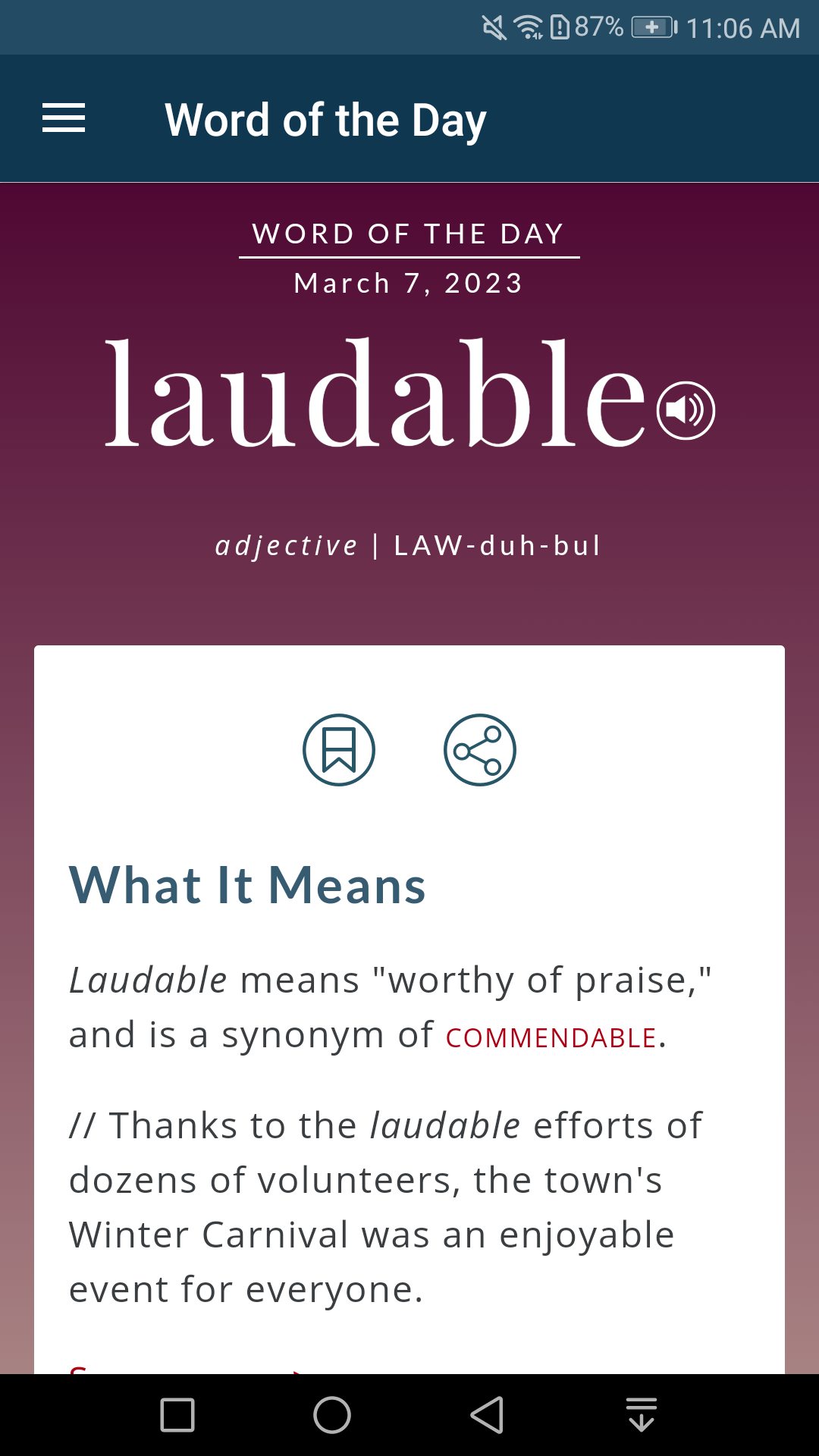
* Word of the Day: learn a new word every day
* Example Sentences: understand how a word is used in context
* Audio Pronunciations: voiced by real English speakers, not text-to-speech robots
* Favorite Words and Search History: keep track of the words that are most important to you
* Favorite Word Syncing: share your favorites between devices
* Premium Content: over 1000 graphical illustrations, and over 15,000 additional entries covering people and places
* For Tablets: browse the entire dictionary with a scrolling index